Social Media Audit: Think Beyond the Likes and Shares

Most brands don't need more content. They need to know which content was worth making.
That's the awkward thing a social media audit tends to surface. You go in expecting a tidy cleanup — fix the bios, archive the dead accounts — and come out realizing half your publishing schedule exists because someone decided in 2023 that Tuesdays were good for LinkedIn.
The numbers you've been leaning on are also getting harder to read. Socialinsider's 2026 benchmarks, drawn from 70 million posts, put TikTok's engagement rate by followers at 2.60%, down 10% year over year, with average comments per post falling 24% on TikTok and 16% on Instagram. Fewer public signals, same workload — and the same social media metrics sitting in your report meaning less than they did.
So social media audits have stopped being spring cleaning. A social media audit is how you find out whether your social media strategy still matches reality — and whether your social media presence is earning the hours you pour into it.


Source: Instagram
What is a social media audit?
A social media audit is a full review of your brand's presence across social media platforms — accounts, content, audience, results — that ends in decisions rather than a slide deck.
At its core, you're asking one thing: are we reaching the right people, in the right way, on the right social platforms?
Done properly, a social media audit gives you a dated snapshot of every one of your social media accounts that you can argue from later. That's the part people undervalue. Opinions about social media strategy are cheap; a social media audit from last quarter is evidence.
What a social media audit covers
Source: Instagram
A thorough social media audit usually looks at five areas:
Social platforms review — which social channels you're active on, whether they're current, and whether a new one deserves a test.
Social media performance — which content performs, which flops, and whether you can explain either.
Audience demographics and demographic data — who engages, and whether they're your target audience or people who showed up for a giveaway.
Branding consistency — voice, messaging, visuals. A brand sentiment analysis then tells you how that branding actually lands.
Strategic fit — whether any of it supports your business goals.
It covers more than likes and follows
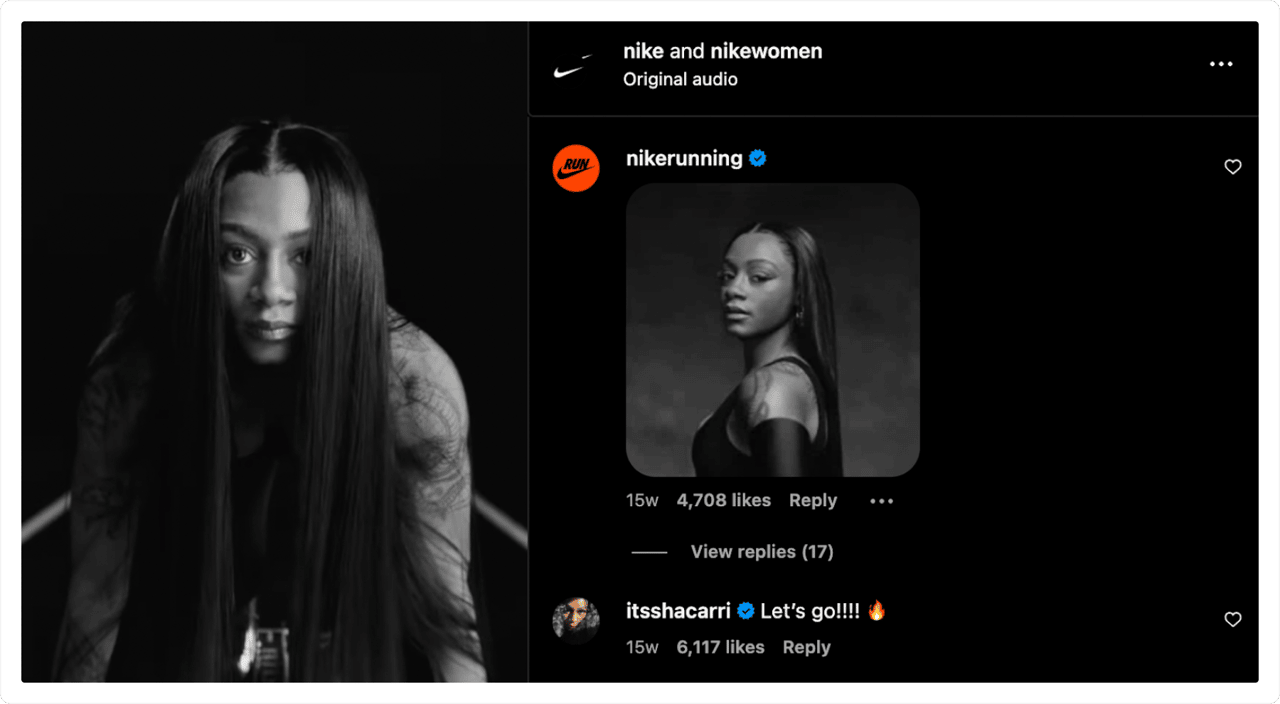
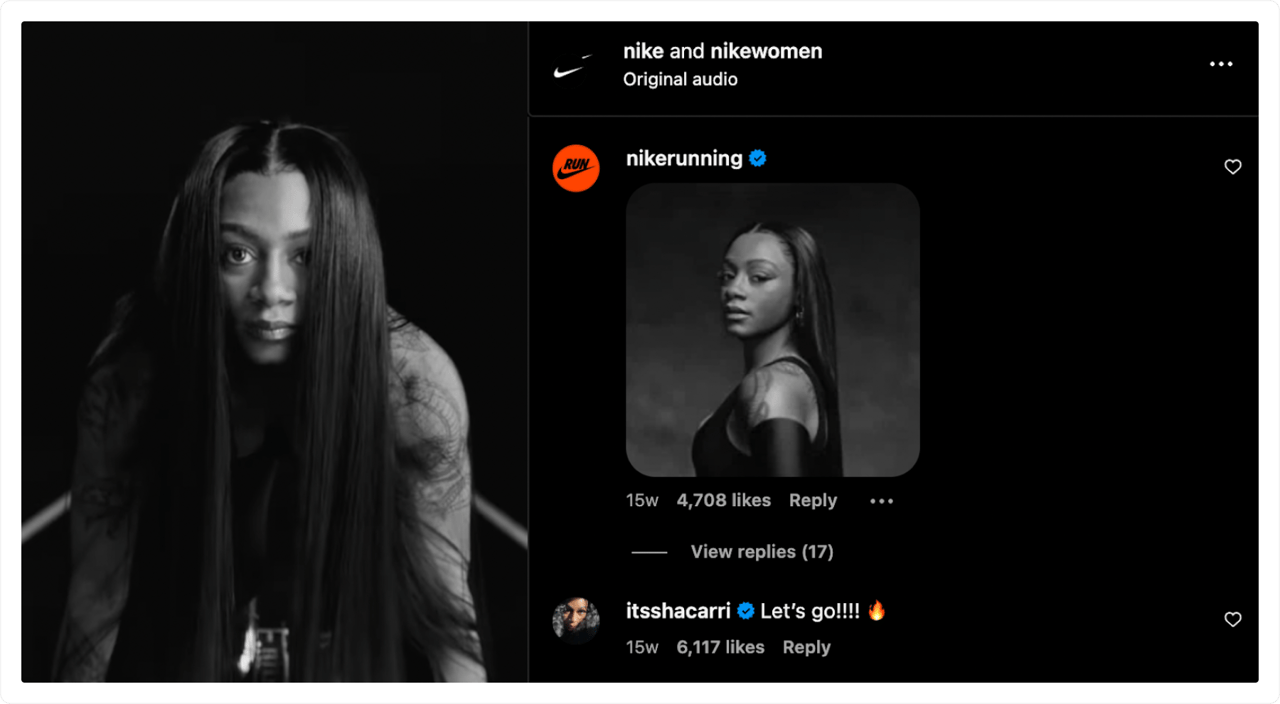
A useful social media audit digs past surface engagement metrics into brand health tracking signals, audience perception, and visibility gaps.
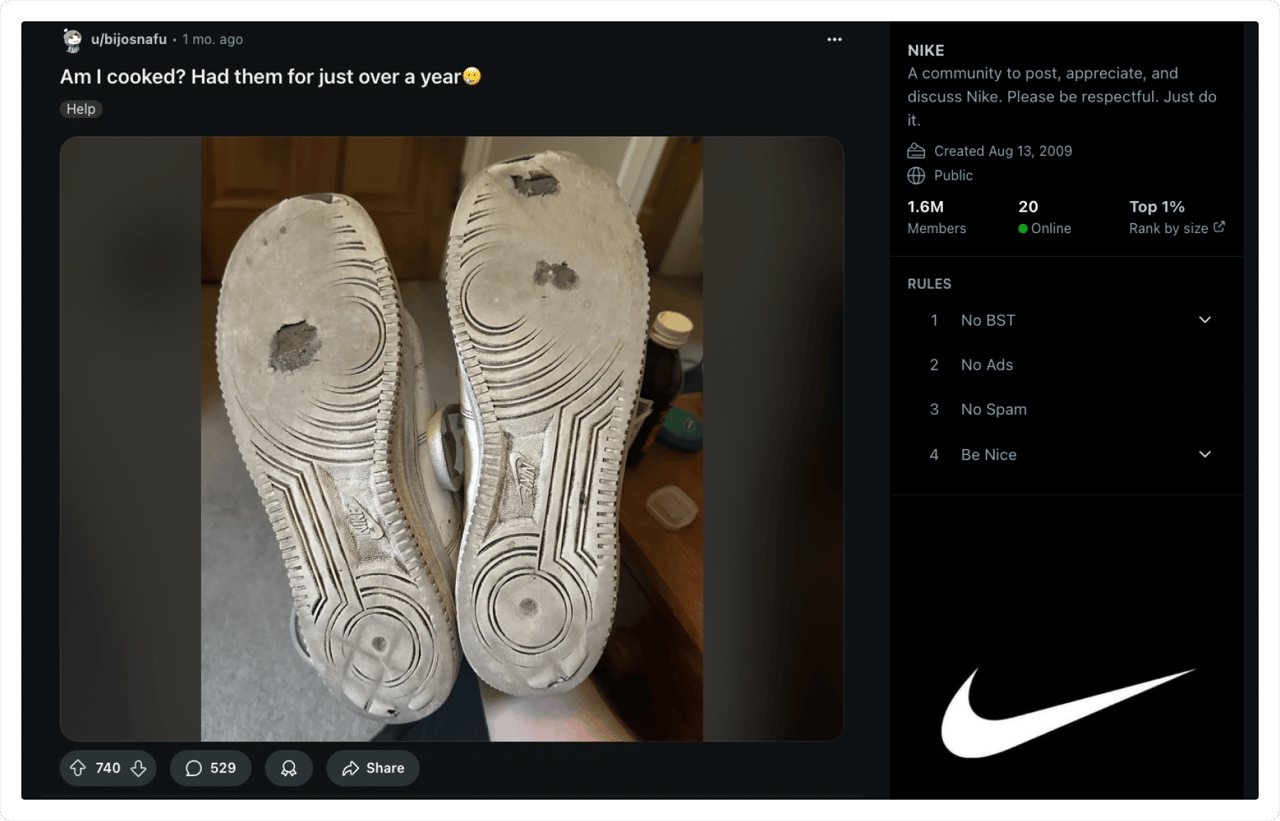
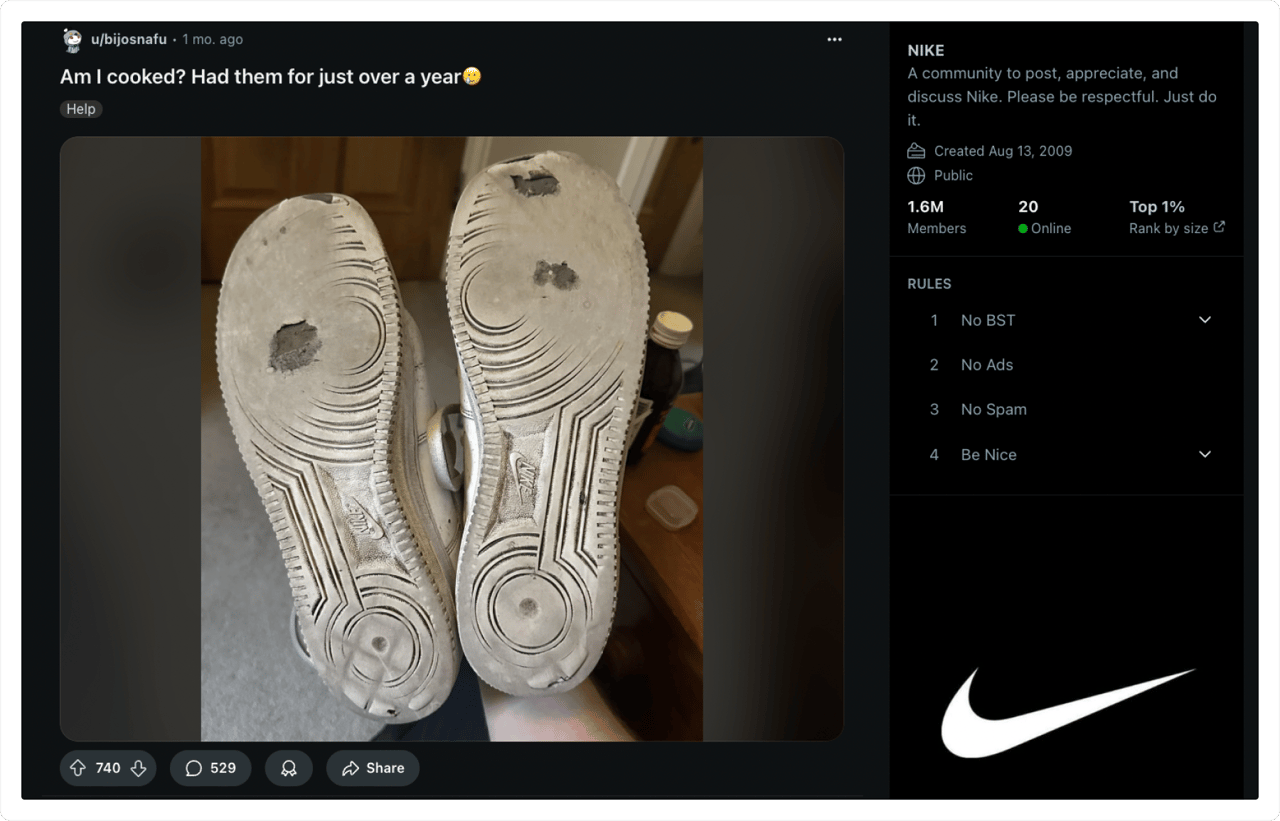
That last one is where most audits stop short. Your social media analytics can only report on posts you published. They can't see the Reddit thread where someone recommends a competitor instead of you.
Source: Reddit
Why a social media audit matters to your marketing strategy
I'd argue this matters more than most teams admit. A social media audit is the only routine that forces you to compare what you believe about your audience against what they actually do.
A quick example. A DTC coffee brand I'll call Roastery Nine ran their first real social media audit last spring, mostly to justify hiring a second social media marketer. The audit turned up something else entirely: their strongest channel was a Pinterest board nobody had touched in fourteen months, and their most-shared social media content was a grainy phone video of a grinder falling apart. Their marketing efforts had been pointed at Instagram the whole time. They didn't hire anyone. They reallocated.
Content gaps, and the demographic data behind them
A social media audit reveals which content formats earn attention and which ones you keep making out of habit. Carousels, short video, behind the scenes content, memes — the mix that worked last year rarely holds across social media platforms.
It also exposes gaps: topics your audience expects from you and isn't getting. That's where campaign ideas come from.
Audience insights you won't get from a dashboard
Audience behavior shifts quickly, and native social media metrics lag behind it. A social media audit surfaces audience insights about what people care about now, what they've tired of, and which untapped audience segments are worth a test. Pair it with target audience analysis, and the picture sharpens fast. You gain insights into audience engagement patterns that a monthly report flattens into a single number.
Spot brand perception issues early
Before a PR problem escalates, there are signs: sentiment dips, a rise in negative mentions, one complaint repeated in three places. Brand reputation monitoring catches those, and a social media audit gives you a fixed point to compare against.
You can't fix what you can't see. Brand safety issues are almost always visible before they're expensive.
Budget arguments you can actually win
Not every platform deserves equal effort. When a social media audit shows that LinkedIn drives a third of your website traffic on a tenth of your budget, that's a case, not a hunch.
It works the other way too. Sometimes the audit findings tell you to stop paying for something. Most social media managers I know have one channel they'd quietly retire if a social media audit gave them cover to do it.


Source: Instagram
How to conduct a social media audit
Here's the audit process I'd run, roughly in order. Skip what doesn't apply — a rigid checklist is how social media audits become homework.
Inventory your social media accounts
The first social media audit step is boring and non-negotiable: list every social media account tied to your brand, active or not.
Multiple accounts left over from old campaigns confuse followers and create a brand safety risk. Flag duplicates, unauthorized pages, and anything still showing your pre-rebrand logo. Check bios, handles, and links while you're in there. This inventory is also your baseline for current performance, because you can't measure engagement against a number nobody wrote down.
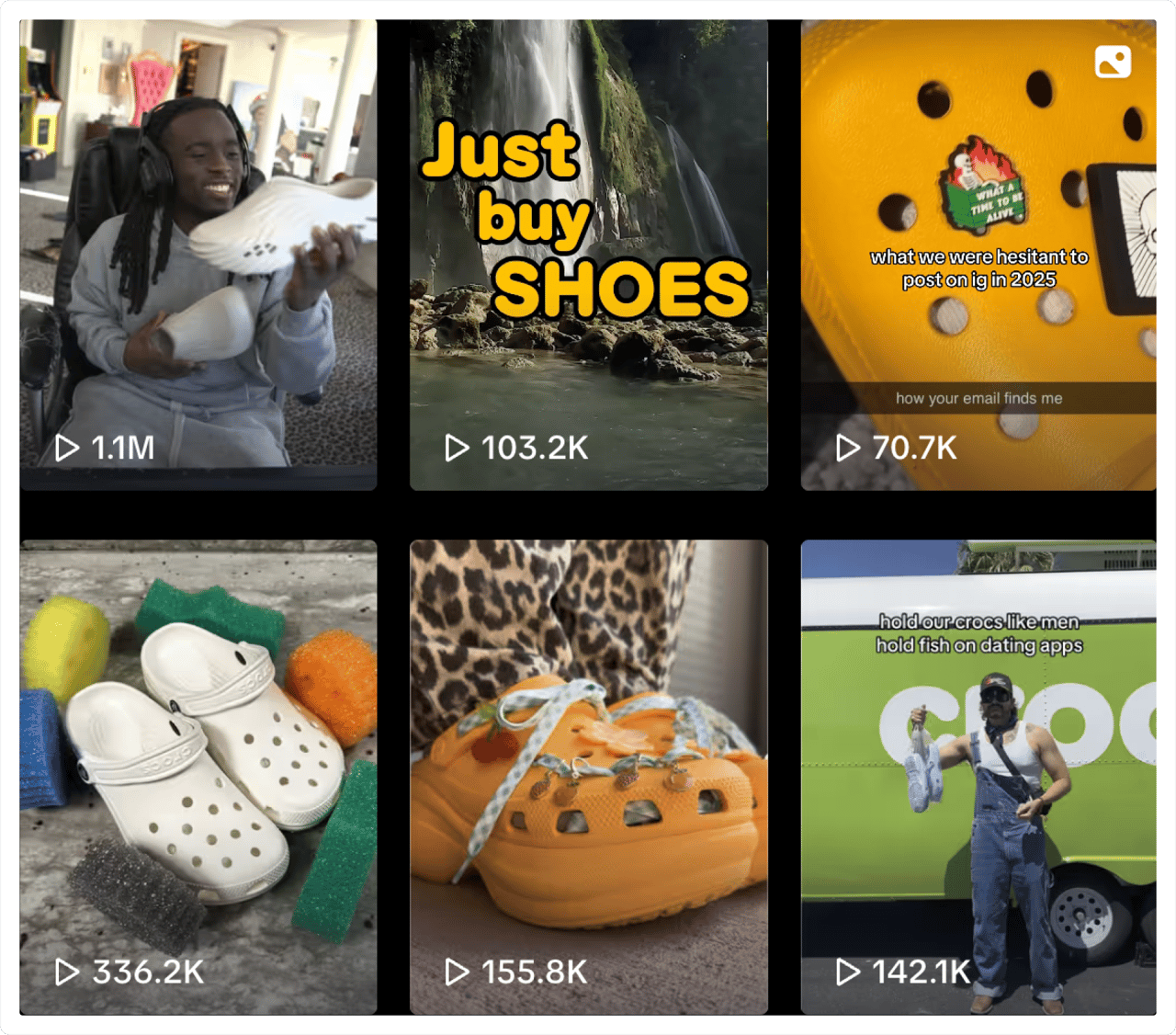
One more thing worth adding in 2026: check whether people discuss you in places you've never had an account. CNN reported that Moltbook, a Reddit-style network populated by AI agents rather than humans, claimed more than a million registered agents within days of launch. Brands are getting mentioned there. YouScan added Moltbook monitoring for exactly that reason.
Pull performance data from Google Analytics and native tools
Now, the data collection. Go beyond vanity numbers — you're not asking how many likes a post got, you're asking what it caused.
Per platform, track engagement rate, reach, click-through rate, follower growth, posting frequency, and your top-performing posts. Then connect it to Google Analytics so you can see which social media campaigns sent traffic that did something once it arrived.
Native dashboards like Facebook insights are fine for raw data and thin on interpretation. Social media analytics tools fill that gap, and social listening dashboards let you track performance across sources in one view instead of five tabs. Cross-platform analytics matter here — the same campaign rarely performs the same way twice, and data analytics that stop at one channel will flatter whichever channel you opened first.
Say your Reels earn 3x the engagement of static posts but you publish them monthly. That's not a strategy. That's an accident you should repeat on purpose.
Review branding and content strategy
This is where numbers meet narrative. Review branding against what you actually publish, and ask a few blunt questions:
Are we sticking to our content pillars, or posting whatever's ready?
Does the tone match our brand voice?
Are CTAs aligned with the brand's goals?
If your brand voice is playful and your captions read like press releases, your content strategy has drifted. That's fixable in an afternoon.
Run a competitive analysis
A competitive analysis keeps your social media performance honest. Your engagement rate dropping 15% means something different if the whole category dropped 20%.
Compare posting frequency, content formats, response times, and how rivals split social media campaigns between paid and organic. Market research adds context native tools can't, and it keeps your social strategy anchored to the category instead of your own last quarter.
Use social listening to fill the gaps
This is the part most audits skip, and it's the part that changes decisions.
Social listening shows you what people say when they don't tag you, how sentiment moves over time, and where a crisis management problem starts before it trends. It's also the clearest difference between social listening vs social monitoring — one tracks mentions, the other explains them.
With YouScan, a social media audit can also pick up visual mentions (someone wearing your product without naming your brand), unpaid influencer discovery opportunities, and emerging slang your community engagement team should probably know. New to the vocabulary? The social listening glossary is a decent starting point.
Document and share findings
Now make it usable. Document and share findings in a short social media audit report — one page if you can manage it — organized in four ways:
What's underperforming, and why
What's working, and how to scale it
What to change now (bios, auto-replies, publishing schedule)
What to test next quarter
Then assign owners, ideally people on the social media team rather than a shared inbox. A social media audit nobody is accountable for is a document, not a decision. Keep the team accountable with dates.
Loop in customer success while you're at it. They heard the complaints your audit just found, months ago, and that shared view shapes future campaigns better than any dashboard will.


Source: Dolce&Gabbana
Social media audit template: build one you'll reuse
You can buy social media audit tools, but plenty of teams run a perfectly good social media audit in a spreadsheet. A social media audit template you maintain beats software you never configure, and building your own takes about an hour.
Columns worth putting in your audit template
Your audit template doesn't need to be clever. Start the social media audit template with the basics:
Column | What goes in it |
Platform | Instagram, LinkedIn, TikTok, YouTube |
Handle | Official username or page link |
Followers | Total as of the audit date |
Engagement rate | Average per post |
Top performing posts | Link plus a note on why it worked |
Issues spotted | Broken links, off-brand tone, stale bio |
Next steps | One clear action, one owner |
Then, if you want depth, add sentiment trend, visual consistency, average reply time, and social media ROI. A YouScan column for listening data is where the interesting notes usually end up.
Make the free template your own
Don't track everything. Track what changes a decision. A social media audit template is only worth having if you'd open it twice.
If you publish social media content three times a week, format matters more than follower count. If you're a visual brand, give visual consistency its own row. If you report to execs, put budget implications at the top — leadership cares about outcomes, not social media monitoring screenshots.
Pro tip: keep three tabs — raw data, trends, actions. That turns a free template into something your marketing teams reuse instead of rebuild.
How often should you run a social media audit?
There's no universal schedule, but there is a wrong answer: only when something breaks.
Quarterly works for most brands. Three months is enough time for patterns to form.
Monthly suits fashion, news, and anything with frequent campaigns.
After every major launch or rebrand, because that's when audience demographics shift most.
The teams who get the most out of social media audits treat each one as a frame in a sequence, not a standalone social media audit report. Compare it to the last one. That comparison is where the valuable insights live — social listening tools make the trend line visible between audits.
Final thoughts: audits are about clarity, not cleanup
Yes, a social media audit will fix broken links and archive a dormant account. That's the least interesting thing it does.
The real return is clarity: how your social media presence actually shows up, what your audience responds to, and where your social media marketing strategy has quietly stopped working. A social media audit won't hand you that. It just makes it impossible to keep avoiding.
Audit accordingly, and often. And if you want the listening layer that native analytics can't give you, try a demo — it's free.
FAQs
What is a social media audit?
A social media audit is a full review of your brand's performance across social media platforms. It examines accounts, content, engagement, and audience so you can see what's working, what isn't, and what to change.
What is an example of a social audit?
Reviewing your Instagram and finding that carousels beat single images, or that your LinkedIn tone doesn't match your brand voice anywhere else. A good social media audit turns findings like those into dated action items, which is the whole point of running one.
How to run the easiest social media audit?
List your active accounts, check that profiles are complete, pull reach, engagement, and follower growth, note your best posts, and write down what to fix. A basic social media audit checklist covers it, and a social media audit at that level still beats no audit at all. For deeper insight, add a social listening tool.
How much does a social media audit cost?
In-house, it costs time. An agency or consultant runs anywhere from a few hundred to several thousand dollars depending on depth. Many brands keep the social media audit cost near zero by combining Google Analytics, a social media management tool, and a listening platform they already pay for.